Jump to: Advanced Location Finder
Jump to: Centralized Brand Governance
Jump to: Intelligent Lead Routing
For most businesses, a website is a digital storefront. But for a franchise or multi-location brand, the website is a complex distribution network. The challenge isn’t just showing up online; it’s maintaining brand integrity across 50, 500, or 5,000 locations while ensuring each one ranks locally.
If your current site treats every location as a carbon copy, or worse, as a completely separate silo, you are leaking leads. Here are the non-negotiable features required for a scalable multi-location presence.
Why Multi-Location Sites Fail at Scale
The legacy approach usually involves one of two extremes: a single “corporate” site that ignores local nuances, or dozens of independent “rogue” sites that dilute brand equity. A true multi-location platform must bridge this gap by offering centralized governance with local flexibility.

The Non-Negotiable Feature Checklist
1. Advanced Location Finder & Individual Unit Pages
A simple list of addresses isn’t enough. You need an intuitive location finder with:
Geolocation: Automatically detecting the user’s city.
Dedicated URLs: Each location needs its own indexable URL (e.g., brand.com/locations/chicago/) to capture local search intent.
2. Centralized Brand Control with Local Flexibility
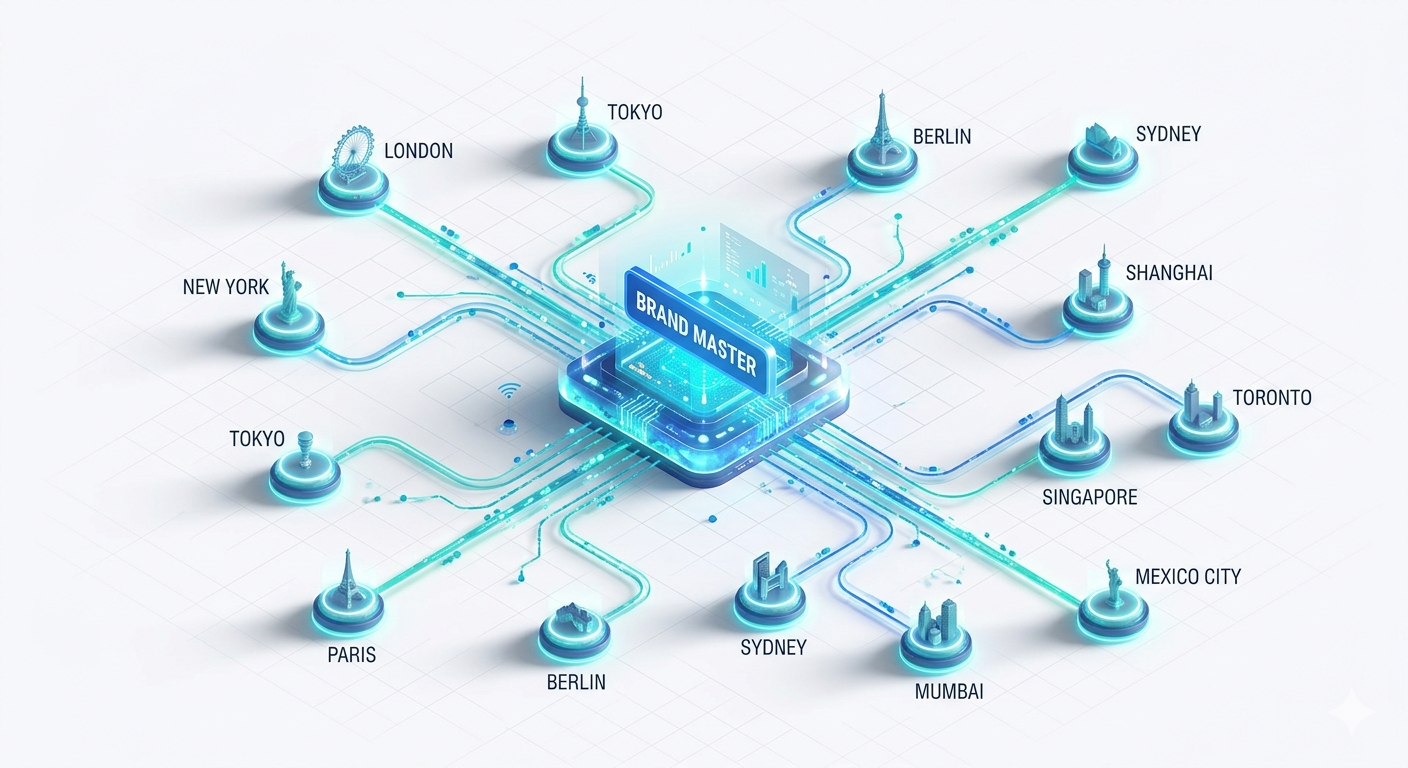
This is where most systems break. You need a “Master Template” where corporate can lock brand colors, fonts, and core messaging. However, the local operator needs “editable zones” to add staff bios, local photos, and community-specific offers.
KynectLocal Insight: Traditional CMS setups force you to choose between consistency and control. A purpose-built franchise platform removes this tradeoff by using a multi-tenant digital operating system.
3. Local SEO Foundation (NAP & Schema)
Every location page must have consistent NAP data (Name, Address, Phone). To rank in the “Local Map Pack,” you must also implement LocalBusiness Schema (JSON-LD) for every specific unit.
4. Intelligent Lead Routing
A lead generated on the “Peoria, AZ” page should not sit in a general corporate inbox. The system must automatically route leads to the specific franchisee’s CRM or email, ensuring the fastest possible follow-up.
The Checklist: Before You Rebuild
[ ] Can I update one template and have it reflect on all 100+ location pages instantly?
[ ] Do local managers have access to edit their specific content without breaking the site?
[ ] Is the site integrated with our franchise CRM?